
Installation
Crow CI consists of three components:
| Component | Required | Description |
|---|---|---|
| Server | Yes | UI, API, webhook handling, pipeline parsing |
| Agent | Yes | Executes pipelines via Docker, Kubernetes, or local backend |
| Autoscaler | No | Spins up/down cloud VMs for pending builds |
Installation Methods
Section titled “Installation Methods”| Method | Best For |
|---|---|
| Docker Compose | Single-server deployments |
| Helm Chart | Kubernetes clusters |
| Binary | Custom deployments |
| Ansible | Automated provisioning |
Database
Section titled “Database”Crow uses SQLite by default. For production, PostgreSQL or MariaDB is recommended.1
Container Images
Section titled “Container Images”Images are published to the Codeberg Container Registry:
Image Tags
Section titled “Image Tags”The unsuffixed and -alpine tags differ depending on the component:
crow-serverandcrow-agentare published as Alpine-based images. The unsuffixed tag and the-alpinetag point to the same image —-alpineis kept as an alias for backwards compatibility.crow-cliis published in two flavours: the unsuffixed tag is a minimalscratchimage, and the-alpinetag is the Alpine variant.
| Tag | Description |
|---|---|
vX.Y.Z | SemVer release (server/agent: Alpine; cli: scratch) |
vX.Y.Z-alpine | SemVer release (Alpine, rootless; alias of vX.Y.Z for server/agent) |
vX, vX.Y | Rolling major/minor version |
vX-alpine, vX.Y-alpine | Rolling major/minor version (Alpine variant) |
dev | Latest from main branch |
dev-alpine | Latest from main branch (Alpine variant) |
Agent Authentication
Section titled “Agent Authentication”Agents authenticate with the server using tokens via CROW_AGENT_SECRET.
System Token
Section titled “System Token”Set the same CROW_AGENT_SECRET on both server and agent. On first connection:
- Agent connects with system token
- Server registers agent and returns unique ID
- Agent stores ID in
CROW_AGENT_CONFIG_FILE - Subsequent connections use stored ID
Agent Token
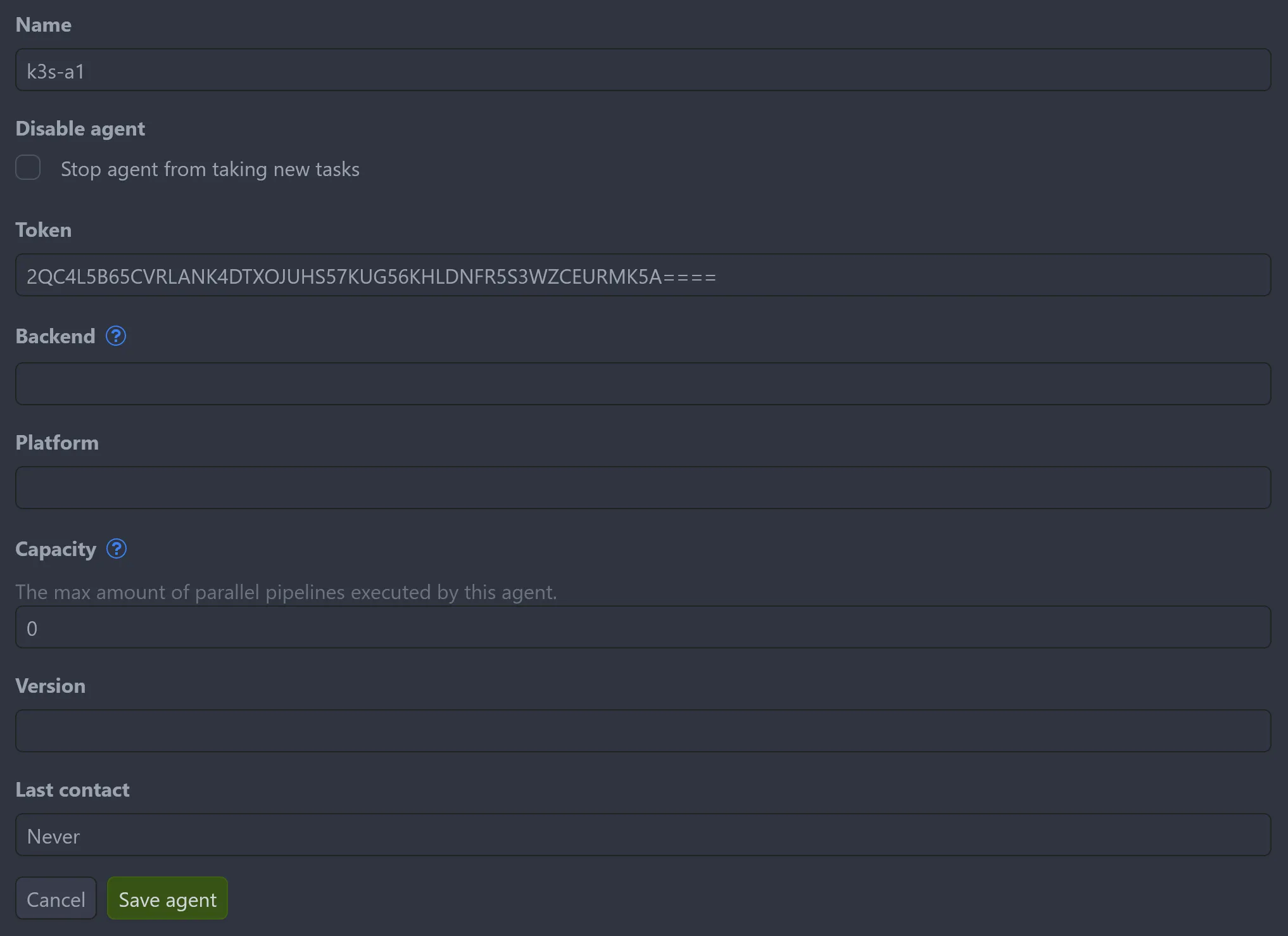
Section titled “Agent Token”For multiple agents with different configurations, create tokens via Settings → Agents → Add agent or the API. Each agent uses its assigned token in CROW_AGENT_SECRET.
Remote Agents
Section titled “Remote Agents”Agents can run on separate machines from the server.
Internal Network
Section titled “Internal Network”Connect using private IP addresses:
Public Network
Section titled “Public Network”Requires TLS for secure GRPC connection:
Requirements:
- Subdomain for GRPC service
- Valid SSL certificate
- TLS-terminating proxy
See Reverse Proxy Setup for ingress configuration examples.
Footnotes
Section titled “Footnotes”-
Pipeline logs are stored in the database. External log storage is planned. ↩