
Quickstart
Get Crow CI running in 5 minutes.
Prerequisites
Section titled “Prerequisites”- A Git forge account (Forgejo, Gitea, GitHub, GitLab, or Bitbucket)
- Docker and Docker Compose installed
- A repository to run pipelines on
-
Create an OAuth application on your forge:
- Go to your forge’s settings (e.g., Codeberg → Settings → Applications)
- Create a new OAuth application with:
- Name: Crow CI
- Redirect URI:
http://localhost:8000/authorize
- Copy the Client ID and Client Secret
- See Forge OAuth2 Setup for detailed per-forge instructions
-
Create a
docker-compose.ymlfile: -
Start Crow CI:
-
Log in at
http://localhost:8000with your forge account. -
Add your first pipeline by creating
.crow/build.yamlin your repository: -
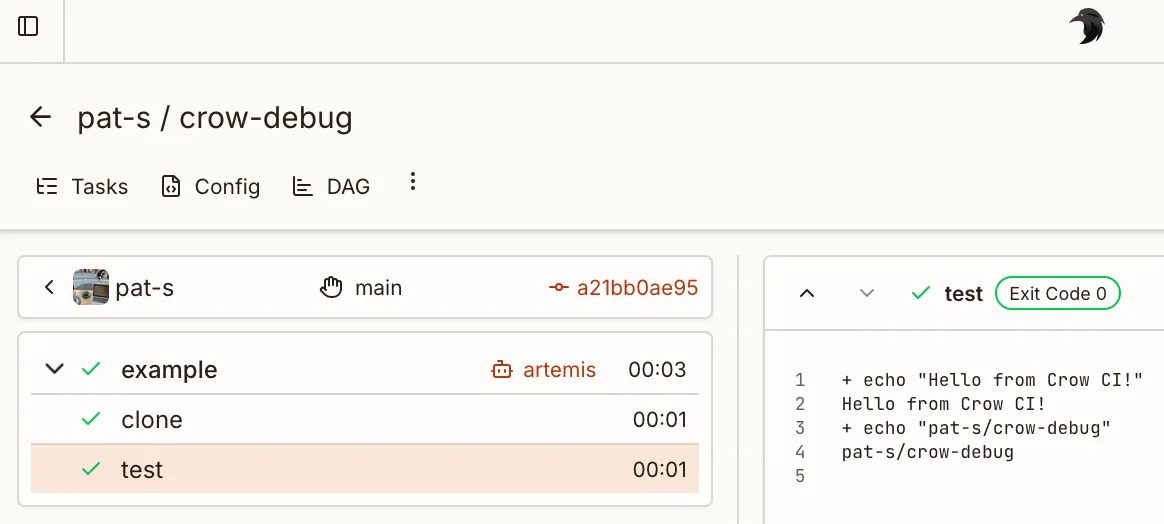
Push the changes. Crow CI will automatically detect and run the pipeline.
What’s Next?
Section titled “What’s Next?”- Pipelines - Pipeline structure and execution
- Workflow Syntax - Complete configuration reference
- Secrets - Manage sensitive data
- Plugins - Extend functionality
- Server Configuration - Production options