
Secrets
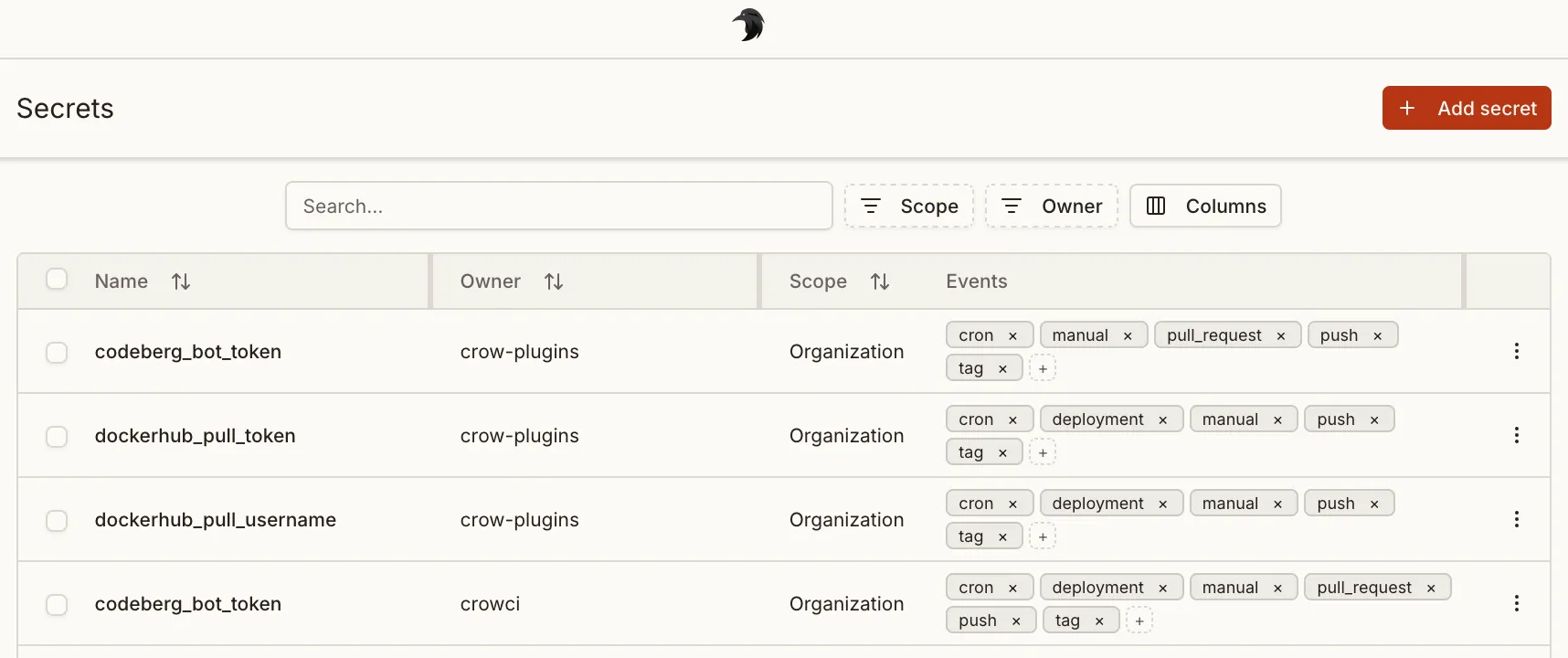
Crow CI provides an integrated secret store.
These secrets can be passed securely to individual steps using the from_secret keyword.
Levels
Section titled “Levels”Three different levels of secrets are available:
- Repository secrets: Available to all workflows of a repository.
- Organization secrets: Available to all workflows of an organization.
- Global secrets: Global secret are available to all pipelines of the entire Crow CI instance. Can only be set by instance administrators.
Defining secrets
Section titled “Defining secrets”Secrets are defined using the from_secret: keyword in the environment: section:
steps: - name: 'step name' image: registry/repo/image:tag commands: - echo "The secret is $TOKEN_ENV" environment: TOKEN_ENV: from_secret: secret_tokenSecrets names can be uppercase or lowercase. The same applies to the environment variables they are assigned to.
Secrets can also be used for settings: in plugins:
steps: - name: 'step name' image: registry/repo/image:tag commands: - echo "The secret is $TOKEN_ENV" settings: TOKEN: from_secret: secret_tokenFiltering
Section titled “Filtering”To prevent secrets from potential abuse in arbitrary steps, they can be limited to specific plugins in the repository settings.
Plugins offer the advantage of not being able to execute arbitrary commands (in contrast to normal steps), and by this inherently prohibit the possibility of exposing secrets in any kind of way.
Adding secrets via CLI
Section titled “Adding secrets via CLI”Secrets can also be added via the CLI.
By default, secrets will be available without any restriction:
crow-cli repo secret add \ --repository octocat/hello-world \ --name my_secret \ --value <value>Limit it to a specific plugin:
crow-cli secret add \ --repository octocat/hello-world \ --image woodpeckerci/plugin-s3 \ --name aws_access_key_id \ --value <value>The --image can also be passed multiple times.
Limit to specific events:
crow-cli repo secret add \ --repository octocat/hello-world \ --image woodpeckerci/plugin-s3 \ --event pull_request \ --event push \ --event tag \ --name aws_access_key_id \ --value <value>Secret can also be loaded from a file on disk. This can be useful for multi-line secrets like SSH keys:
crow-cli repo secret add \ --repository octocat/hello-world \ --name ssh_key \ --value @/root/ssh/id_rsa