
Installation
Crow CI consists of three components:
| Component | Required | Description |
|---|---|---|
| Server | Yes | UI, API, webhook handling, pipeline parsing |
| Agent | Yes | Executes pipelines via Docker, Kubernetes, or local backend |
| Autoscaler | No | Spins up/down cloud VMs for pending builds |
Installation Methods
Section titled “Installation Methods”| Method | Best For |
|---|---|
| Docker Compose | Single-server deployments |
| Helm Chart | Kubernetes clusters |
| Ansible | Automated provisioning |
All of them deploy Crow as containers, which is the supported way to run it.
Standalone agent binaries also exist, but only to run an agent with the local backend, which executes pipeline commands directly on the host with no isolation and no plugin support.
Read the warnings on that page before choosing it.
Database
Section titled “Database”Crow uses SQLite by default. For production, PostgreSQL or MariaDB is recommended.1
Container Images
Section titled “Container Images”Images are published to the Codeberg Container Registry:
Image Tags
Section titled “Image Tags”The unsuffixed and -alpine tags differ depending on the component:
crow-serverandcrow-agentare published as Alpine-based images. The unsuffixed tag and the-alpinetag point to the same image —-alpineis kept as an alias for backwards compatibility.crow-cliis published in two flavours: the unsuffixed tag is a minimalscratchimage, and the-alpinetag is the Alpine variant.
| Tag | Description |
|---|---|
vX.Y.Z | SemVer release (server/agent: Alpine; cli: scratch) |
vX.Y.Z-alpine | SemVer release (Alpine, rootless; alias of vX.Y.Z for server/agent) |
vX, vX.Y | Rolling major/minor version |
vX-alpine, vX.Y-alpine | Rolling major/minor version (Alpine variant) |
dev | Latest from main branch |
dev-alpine | Latest from main branch (Alpine variant) |
Agent Authentication
Section titled “Agent Authentication”Agents authenticate with the server using tokens via CROW_AGENT_SECRET.
System Token
Section titled “System Token”Set the same CROW_AGENT_SECRET on both server and agent. On first connection:
- Agent connects with system token
- Server registers agent and returns unique ID
- Agent stores ID in
CROW_AGENT_CONFIG_FILE - Subsequent connections use stored ID
Agent Token
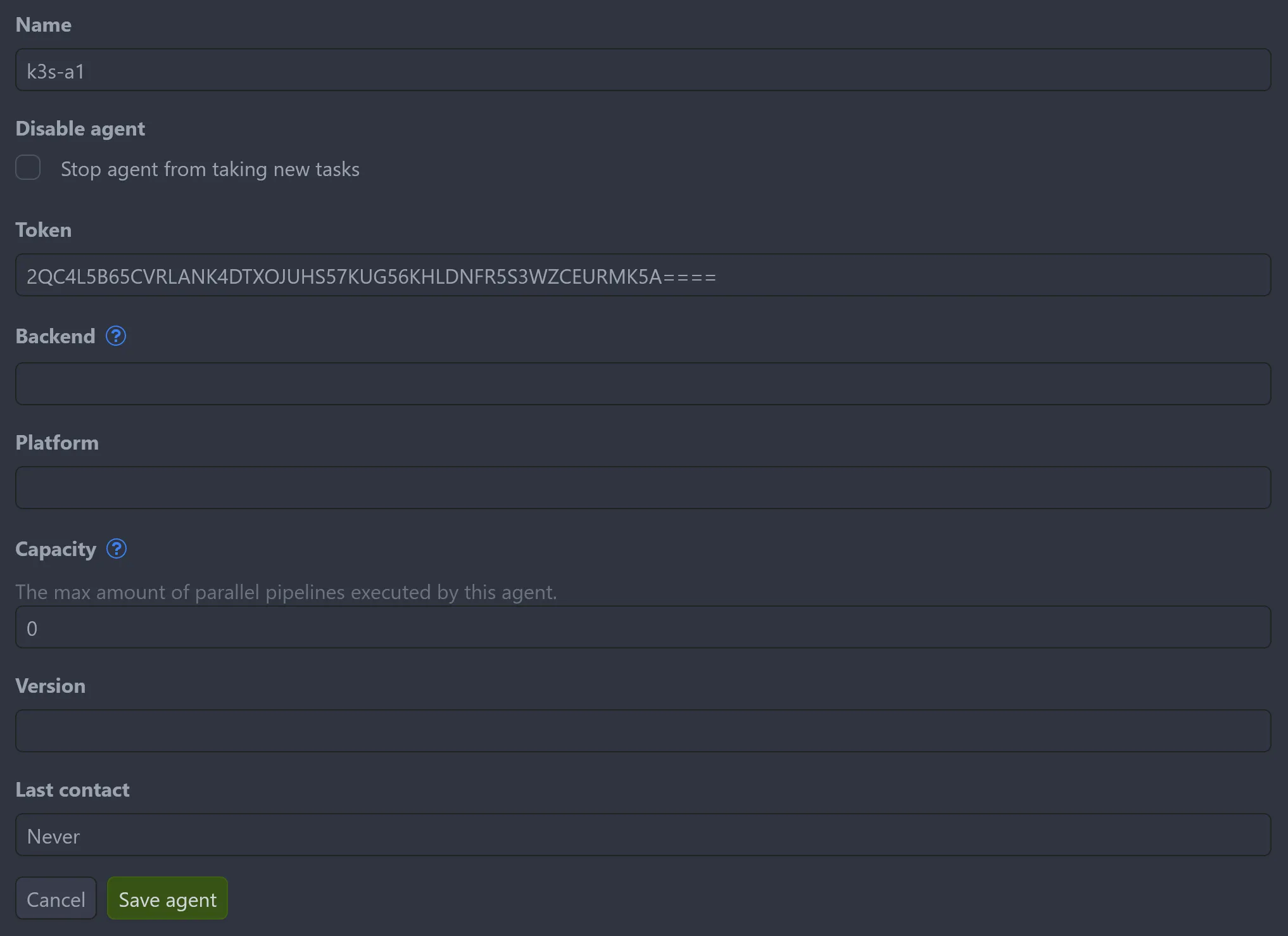
Section titled “Agent Token”For multiple agents with different configurations, create tokens via Settings → Agents → Add agent or the API. Each agent uses its assigned token in CROW_AGENT_SECRET.
Remote Agents
Section titled “Remote Agents”Agents can run on separate machines from the server.
Internal Network
Section titled “Internal Network”Connect using private IP addresses:
Public Network
Section titled “Public Network”Requires TLS for secure GRPC connection:
Requirements:
- Subdomain for GRPC service
- Valid SSL certificate
- TLS-terminating proxy
See Reverse Proxy Setup for ingress configuration examples.
Footnotes
Section titled “Footnotes”-
Pipeline logs are stored in the database. External log storage is planned. ↩